
Programmes · Elementary – Junior High
Video Editing
Cutting, effects, transitions, motion graphics and audio — two finished videos per semester, owned by the student.
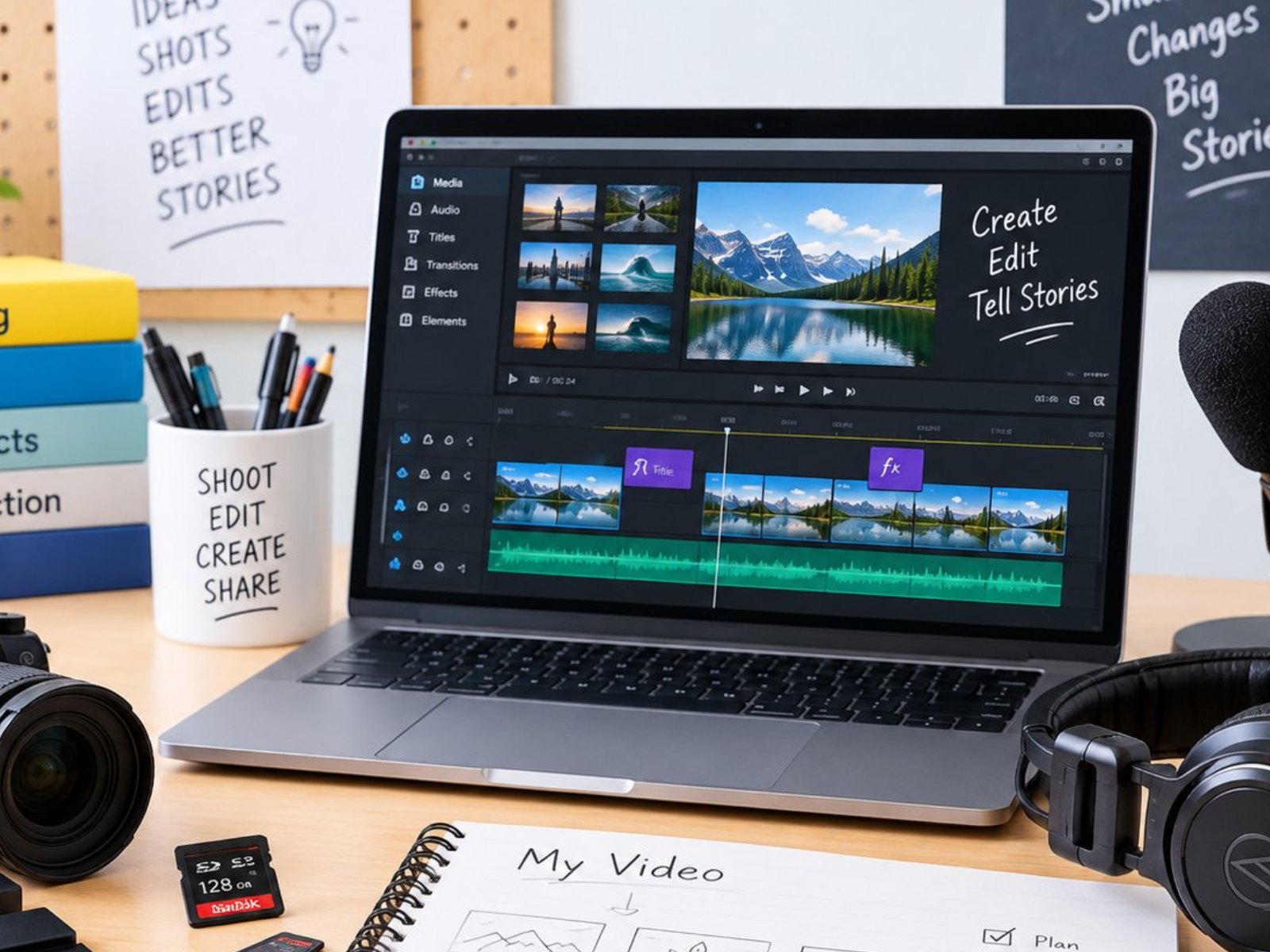 Photo: Video Editing (5:4)
🎬Levels: 4 · 20 steps
What every student receives
- USB drive, editor and plug-ins
- 2 video projects per semester
- Certificate and learning report
- Guide book and video tutorials
Class requirements
- One hour per session, per semester schedule
- Minimum 8 students per class
- Two teachers for every 10 students
- Student list provided by the school
- On site at the school (online option with video tutorials)
Four levels
Each programme has four levels — Beginner, Basic, Intermediate and Advanced — divided into 20 steps, one step per semester, so students can continue for years.
Beginner
step 1–2
Drag-and-drop editing
Basic
step 1–6
Cuts, effects, transitions, templates
Intermediate
step 1–6
Animation inside video
Advanced
step 1–6
Motion graphics, bumpers, audio mixing
From the Video Editing classroom
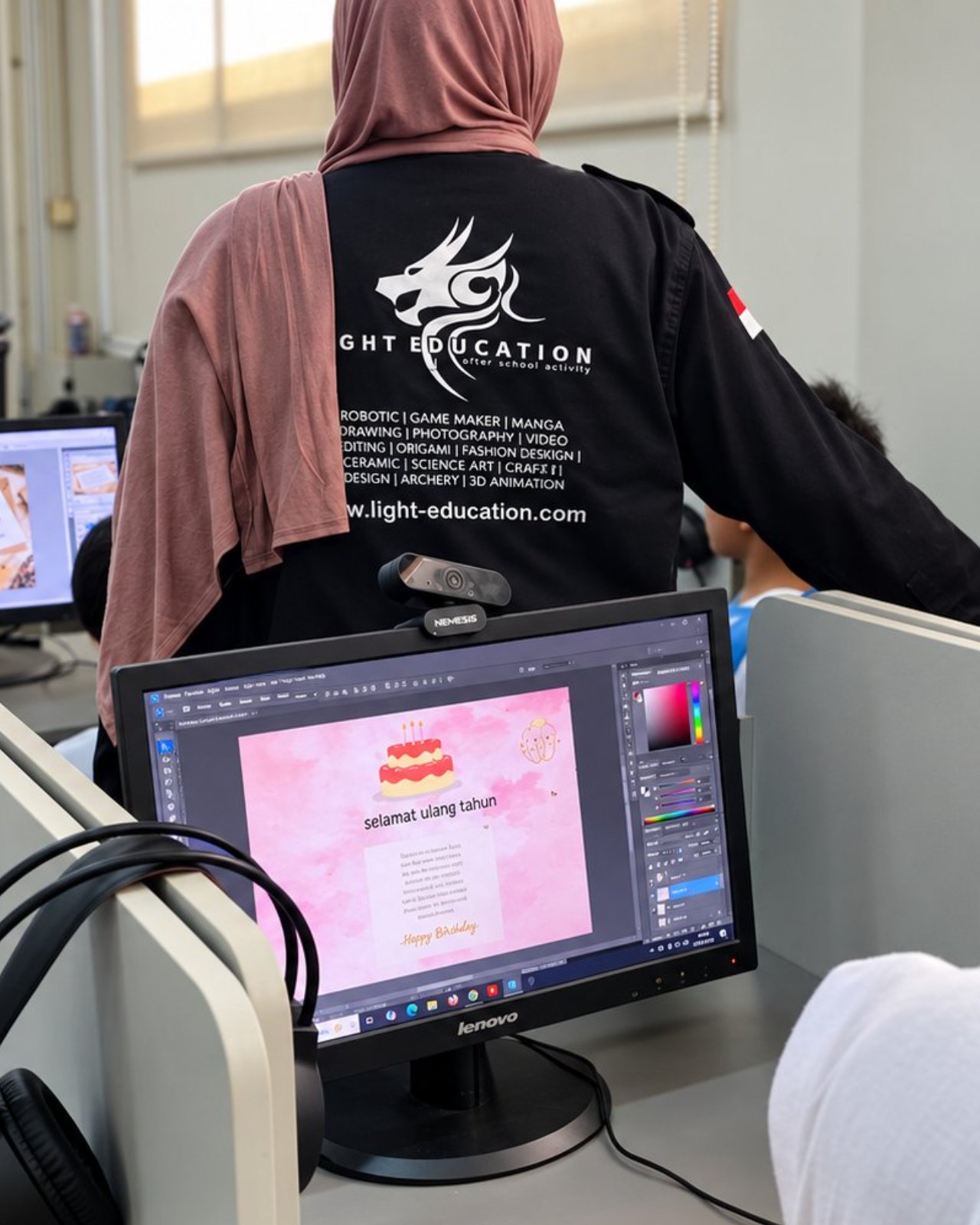 Photo: Video Editing 1
 Photo: Video Editing 2
 Photo: Video Editing 3
 Photo: Video Editing 4
 Photo: Video Editing 5